A little room for your music
Make your desktop a listening room.
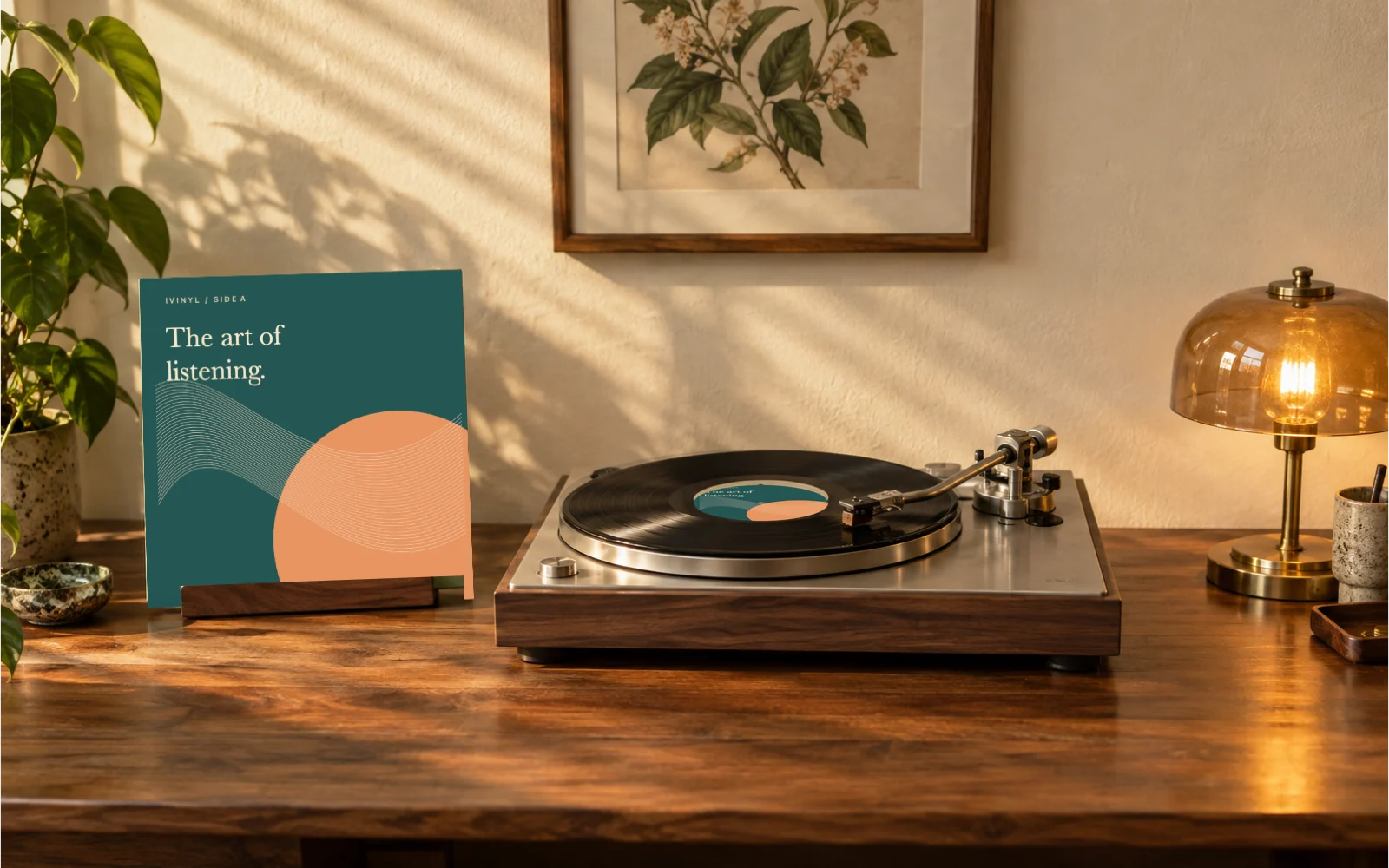
Connect Spotify or Apple Music and bring live album artwork to your Mac with three original desktop turntable scenes.
 Spotify & Apple Music
iVinyl for Mac
One payment. Yours to keep. No subscription.
- Three original scenes: Listening Room, After Hours, and Turntable
- Live album covers and song information from Spotify / Apple Music
- Transparent background, three framings, and three artwork sizes
- Five recent covers, hide on pause, and launch at login
macOS 13 Ventura or later · Apple silicon & Intel · English interface
Purchases are not available yet. You can still sign in to check an existing purchase.
Three steps to your first record.
- 1
Download the DMG and drag the app into Applications.
- 2
Open iVinyl, choose a scene, and enable Desktop artwork.
- 3
Play a song in Spotify or Apple Music and allow Automation access to read the current track when macOS asks.
Before your first record
Music access stays under your control
Install in Applications, open the app, then play music in the Spotify or Apple Music desktop app. When macOS asks, allow Automation access. You can review it in System Settings → Privacy & Security → Automation. Playback controls remain in your music app.
Purchase and refund support
A website account is required to buy and download again. For a refund request, open a support ticket with your purchase email and order number. Requests are reviewed by support; no automatic refund period is promised. See the Terms for the current license and refund process.
Availability and installation
Requires macOS 13 or later on Apple silicon or Intel; the app interface is English. Checkout is available only when the release download is ready. If macOS blocks a downloaded app, check Apple’s security message and contact support; do not disable Gatekeeper.