iVinyl for Mac — a desktop turntable
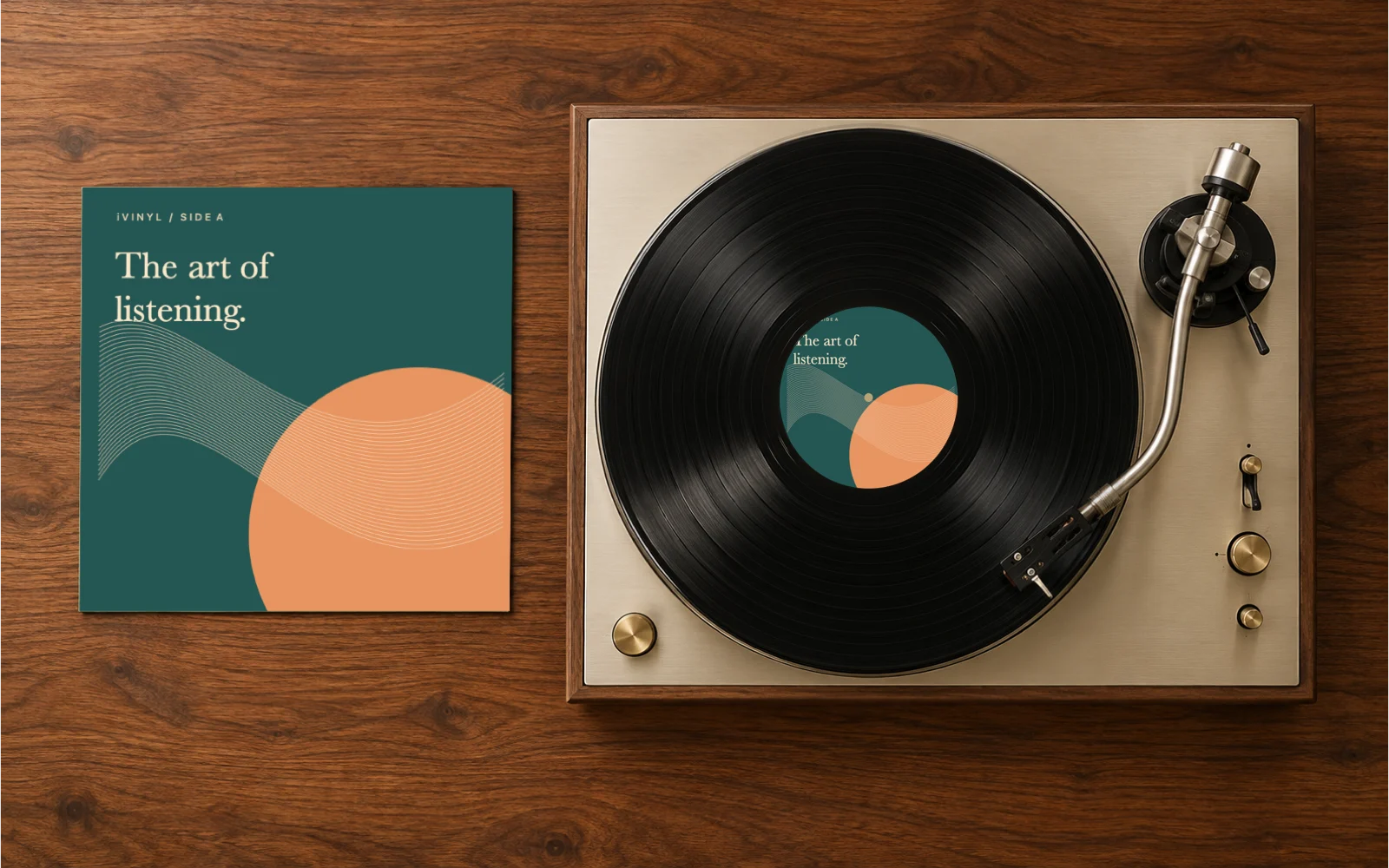
A spinning turntable on your Mac desktop.
Connects to Spotify and Apple Music. Stays out of your way.
macOS 13 Ventura or later · Apple silicon & Intel
Recorded in iVinyl 1.1.0 with Apple Music and two local test tracks. Sample cover artwork.

Liner notes
What's on the record
Everything iVinyl does.
Original vinyl scenes
Three scenes with a spinning record, tonearm, warm wood, and a live album sleeve. iVinyl renders the scene on your desktop.
Spotify & Apple Music
Connect your player in iVinyl and allow macOS music access. Album art, track name, and artist update when you play music. No music-service account sign-in inside the app.
Lives in the menu bar
Close the window and iVinyl keeps playing behind a quiet menu bar icon. Launches at login if you want it to.
Your wallpaper, your way
Toggle off iVinyl's built-in background so the turntable sits directly on your own wallpaper. Choose from multiple display sizes to fit your setup.
$2.99, one-time purchase
Buy once and keep using the app. Sign in on the website to purchase and download again. No recurring subscription.
iVinyl starts with its own artwork. Open Spotify or Apple Music and play a song for live album covers. macOS may request Automation access to read the current track.
A few things before you listen
Is this a Spotify widget or a music player?
iVinyl is a desktop turntable display. It reads the song playing in Spotify or Apple Music and shows its artwork. It does not stream music, download songs, or replace playback controls.
Which Macs does it work on?
macOS 13 Ventura or later, on Apple silicon and Intel. The app interface is English. Use the Spotify or Apple Music desktop app for live artwork.
What does music access allow?
iVinyl uses macOS Automation access to read the current track and artwork. The desktop app does not upload listening history. Spotify cover images are requested directly from Spotify; Apple Music artwork is read locally. Website analytics are described in the privacy policy.
How do purchase, download and refunds work?
Pay $2.99 once when the release is available. Sign in on the website to purchase and download again. For purchase problems or refund requests, contact support with your order number. The Terms explain the license and refund process.